
Documentation
Chatting with WP Godmode
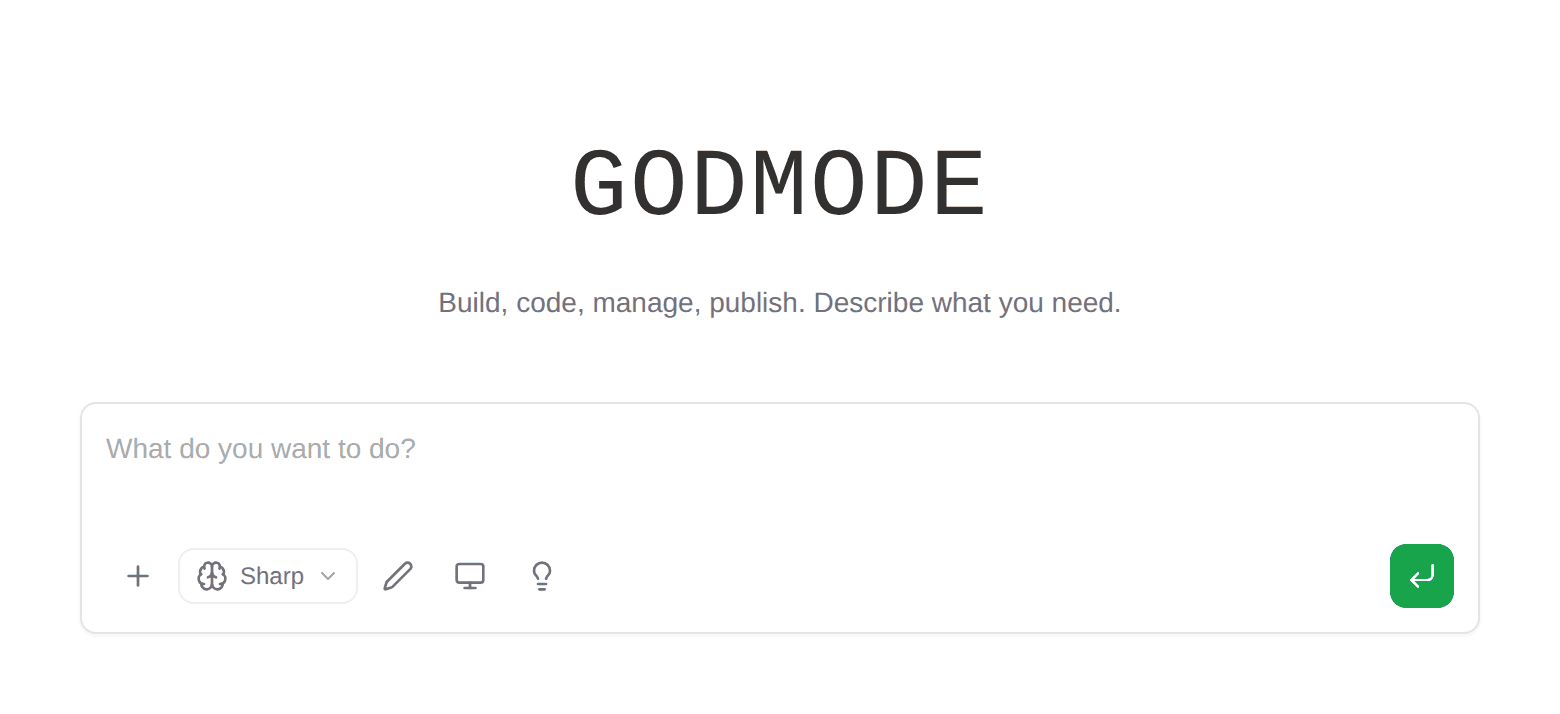
Everything in WP Godmode starts with a chat. You describe what you want in plain language — in English or your own language — and WP Godmode does the work directly inside your site.
What you can ask for
- Content — write, edit or translate pages, posts and product copy
- Design — build or adjust pages, layouts and styling
- Code — create plugins, snippets, fixes and custom functionality
- Admin — manage settings, plugins, menus, users and media
How it works
Before it acts, WP Godmode reads the relevant parts of your site — your theme, plugins, content and database — so its work fits your actual setup instead of generic guesses. Just type your request and send.
Tip: be specific. “Change the homepage headline to X and make it blue” works better than “improve the homepage”.
Table Of Contents