
Documentation
Plan Mode
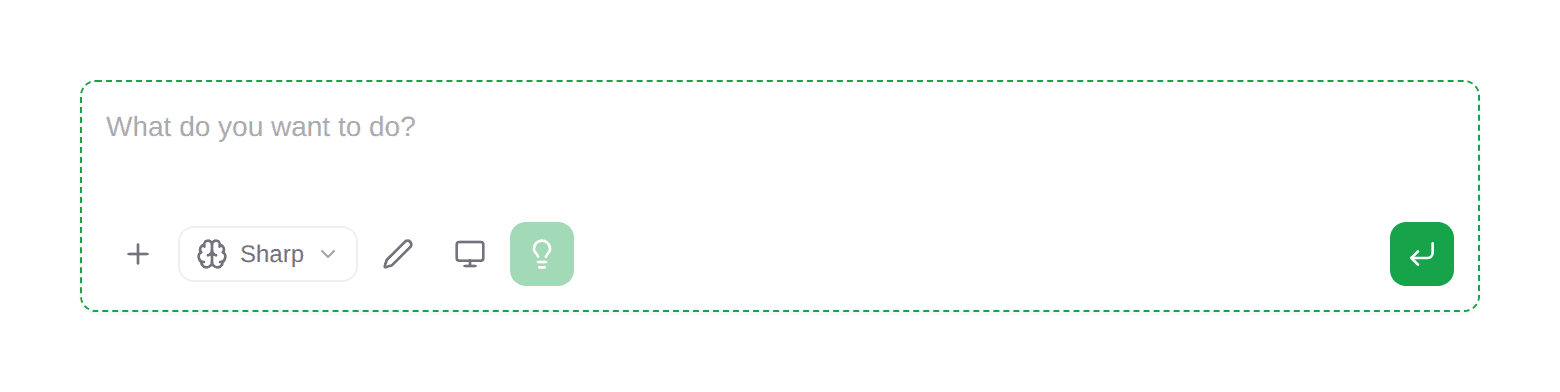
Plan Mode is for bigger jobs. Instead of diving straight in, WP Godmode first lays out a step-by-step plan and waits for your approval.
How it works
- You describe a larger task — a redesign, a plugin build, a migration.
- WP Godmode proposes a plan: what it will do, in what order, and what it needs from you.
- You approve it, adjust it, or rework it together.
- Only then does it start making changes.
It’s the best way to stay aligned before any work begins on non-trivial tasks.
Table Of Contents