
Documentation
Rules
Rules are your standing instructions. WP Godmode reads them before every action, so you don’t have to repeat yourself.
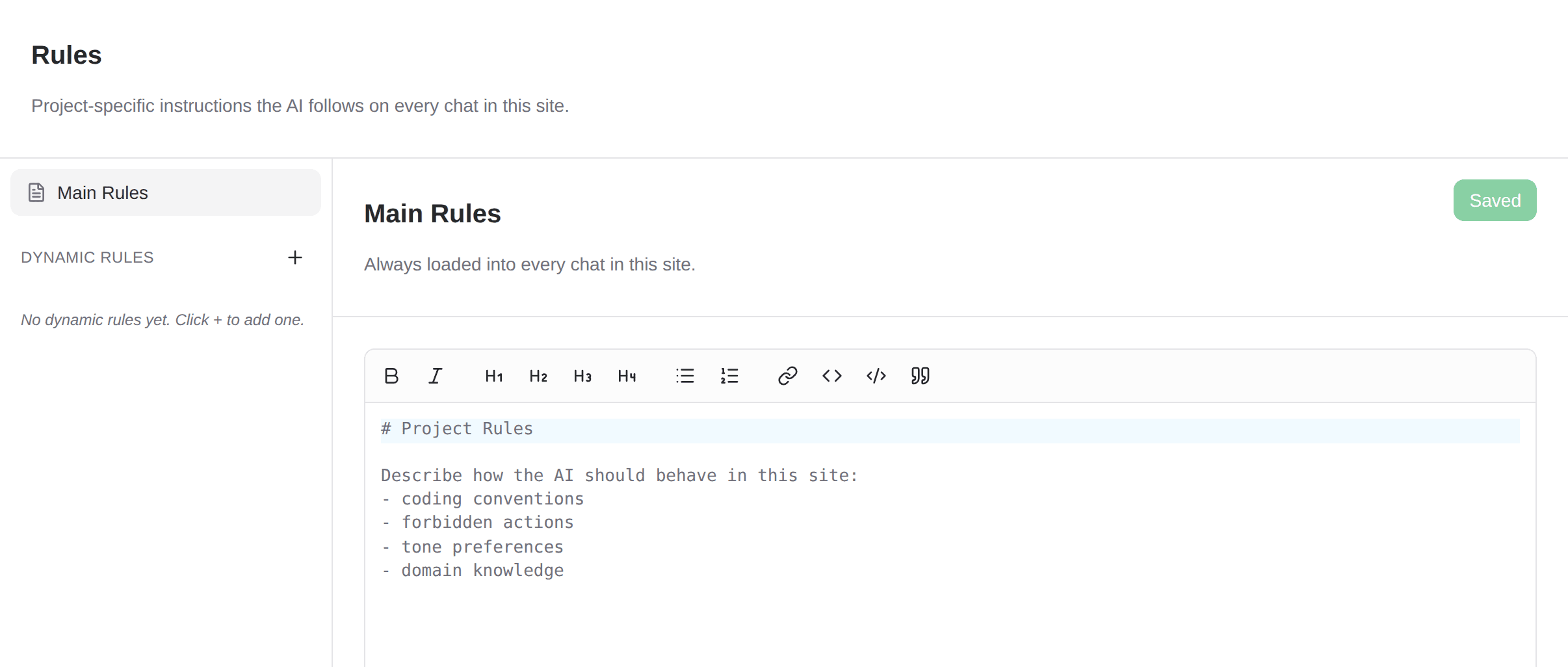
What you can set
- Coding conventions — e.g. “always write code in gm-projects, never in the theme”
- Style preferences — e.g. “use these brand colours and fonts”
- Tone of voice — e.g. “match this brand voice in every piece of copy”
- Safety guardrails — e.g. “ask before any database change”
Rules are written in plain English and scoped per site, so a client’s strict rules never bleed into your own projects.
Table Of Contents