
Documentation
Settings
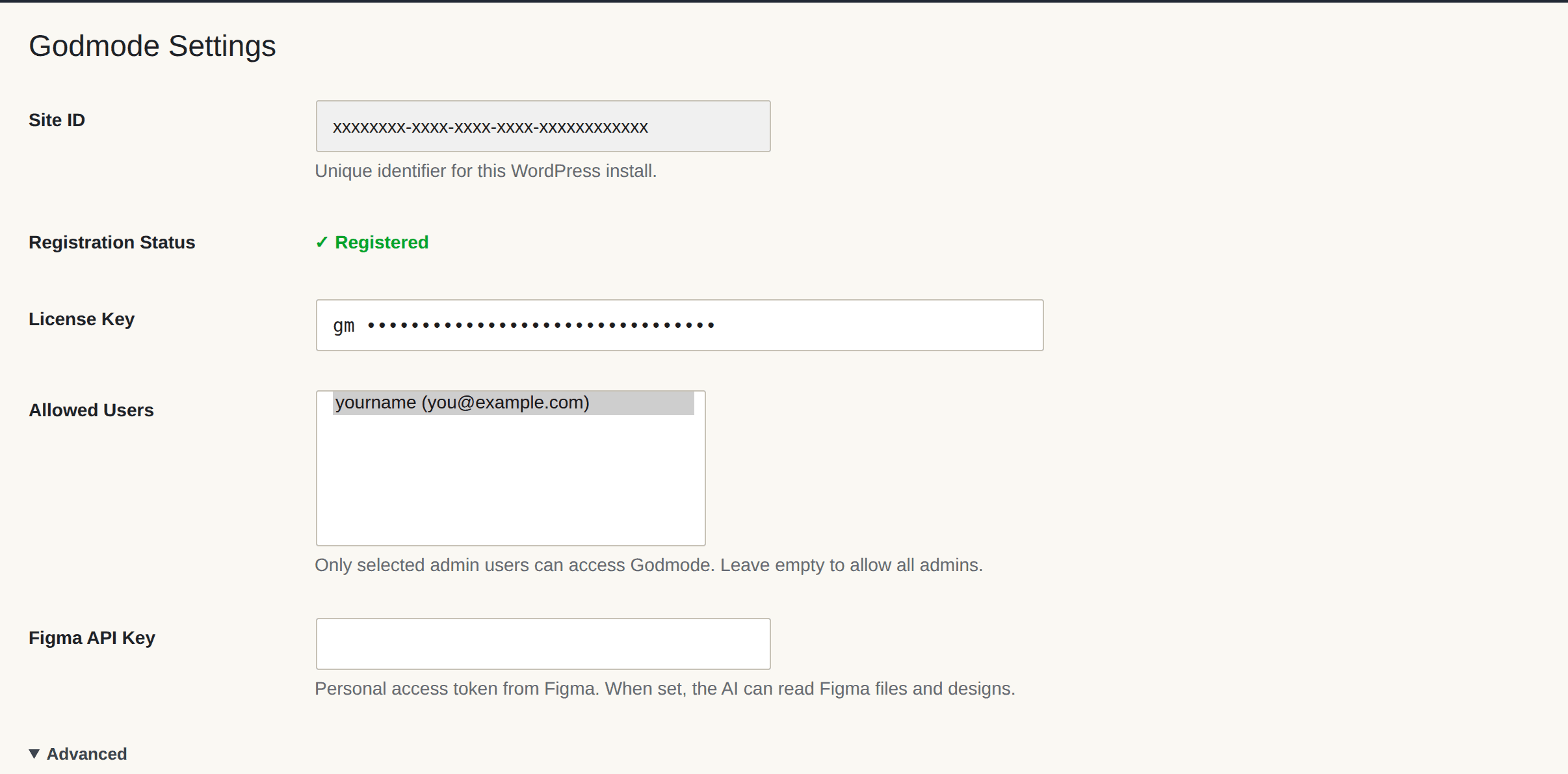
The Settings area is where you configure how WP Godmode behaves on a site.
What you’ll find there
- Model — choose the default model (Standard, Sharp, Sharp Max)
- Permission mode — set how much WP Godmode can do on its own
- Rules — your standing instructions for the site
- Integrations — connect services such as your Figma API key
Settings are scoped per site, so each project keeps its own configuration.
Table Of Contents